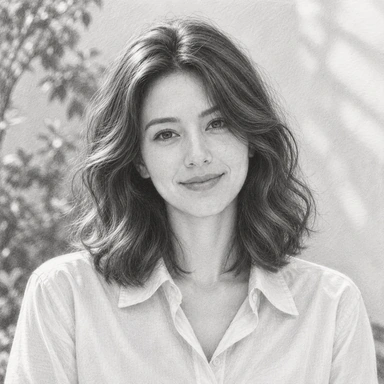
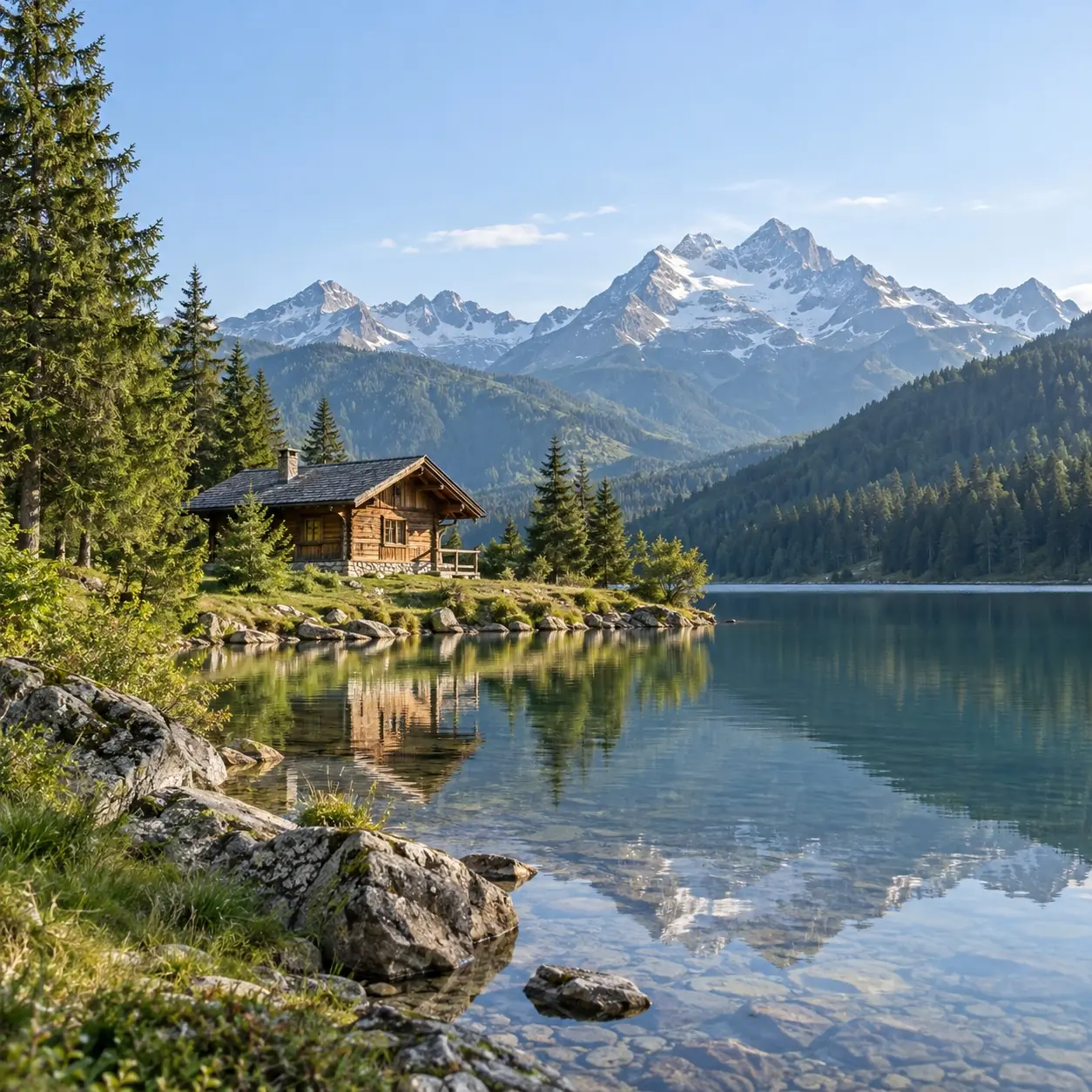
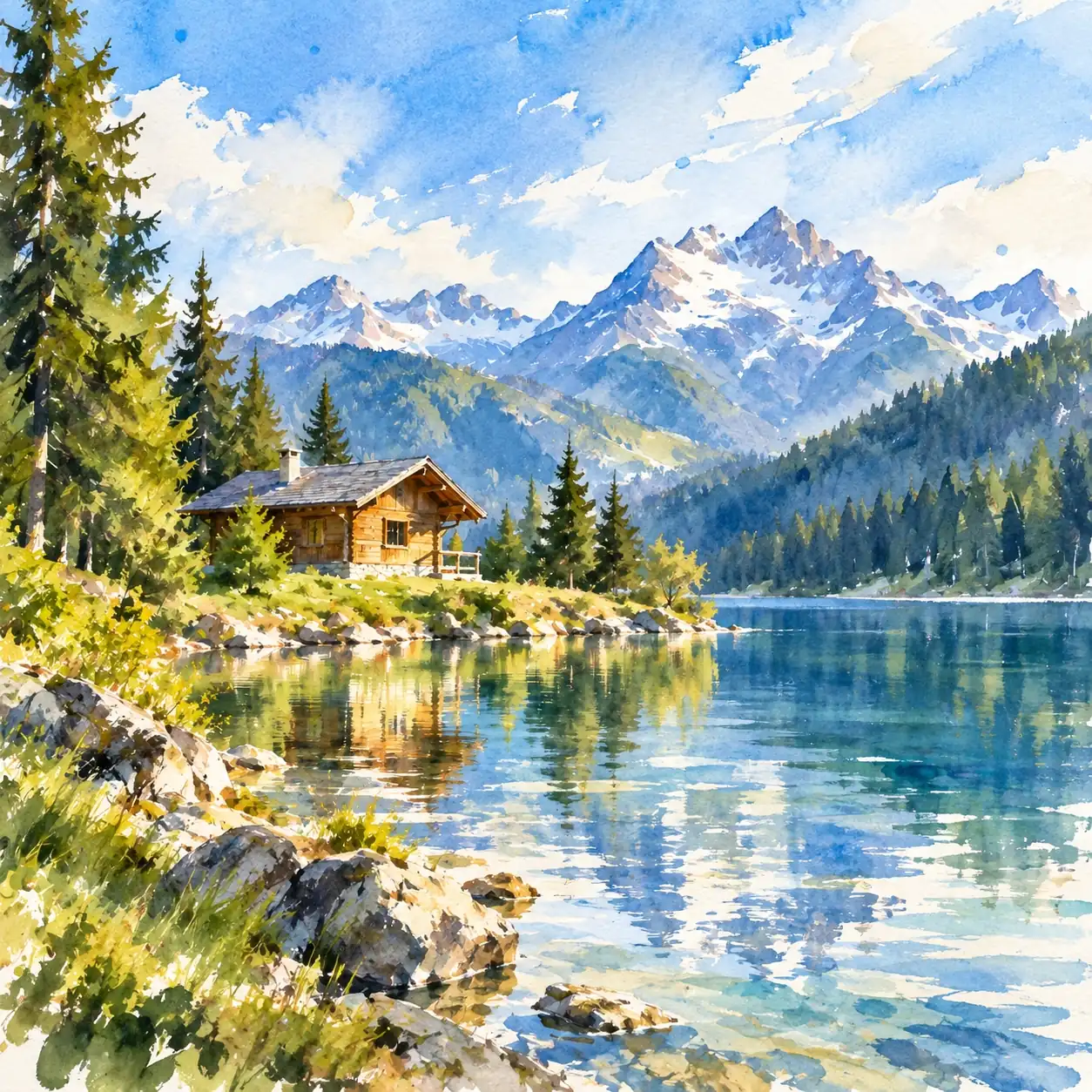
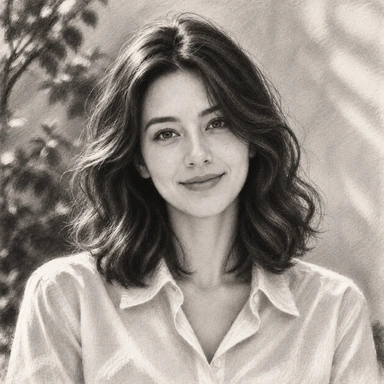
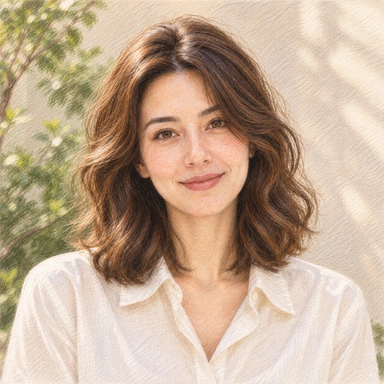
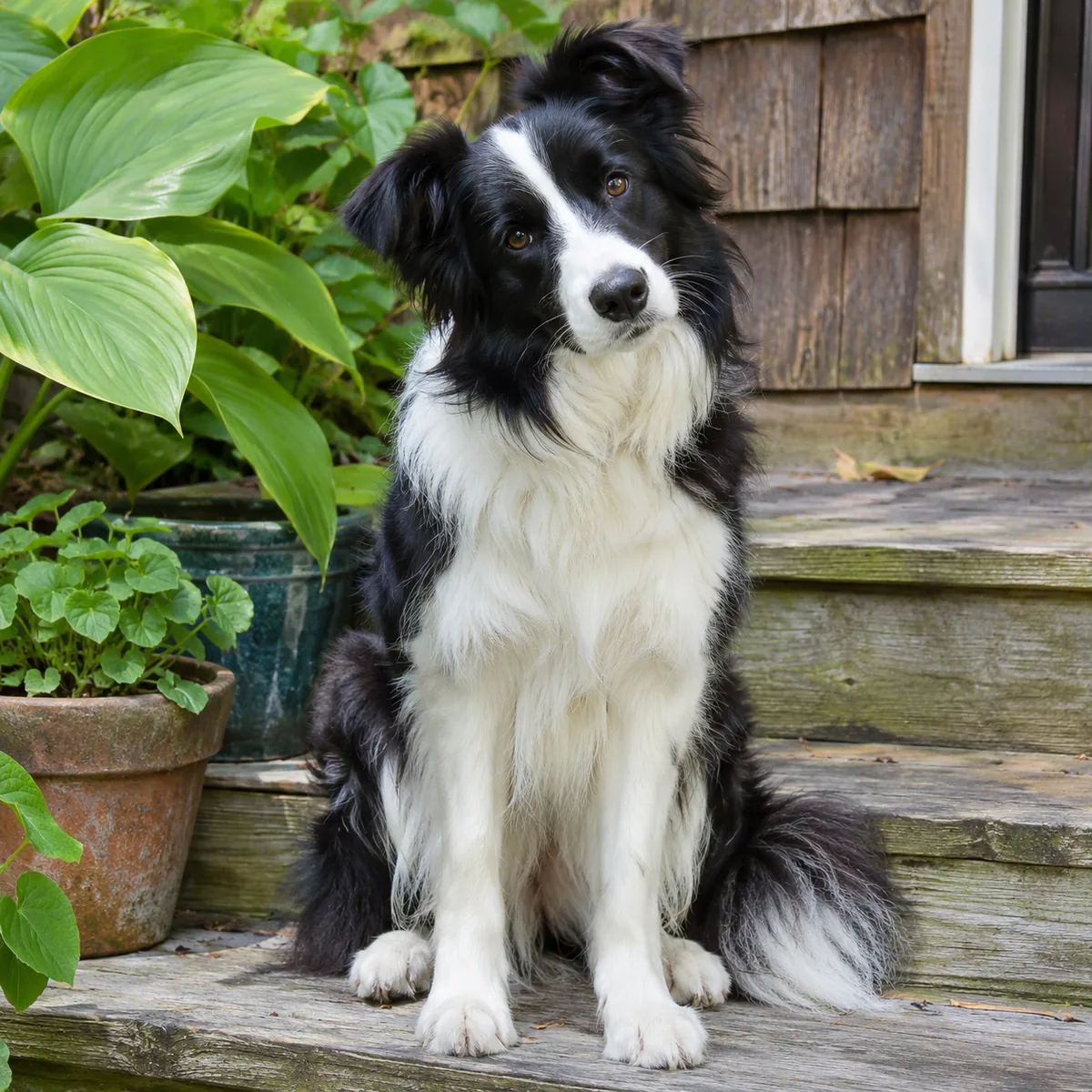
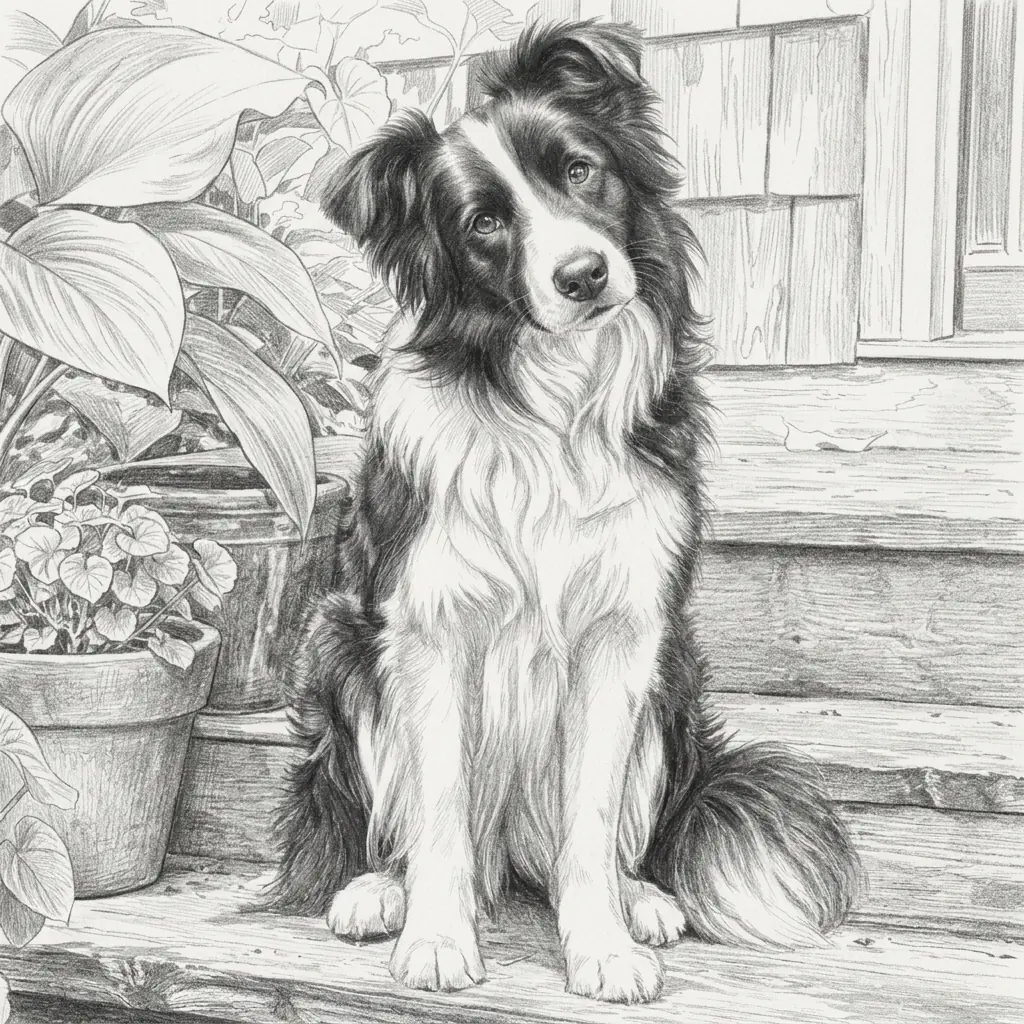
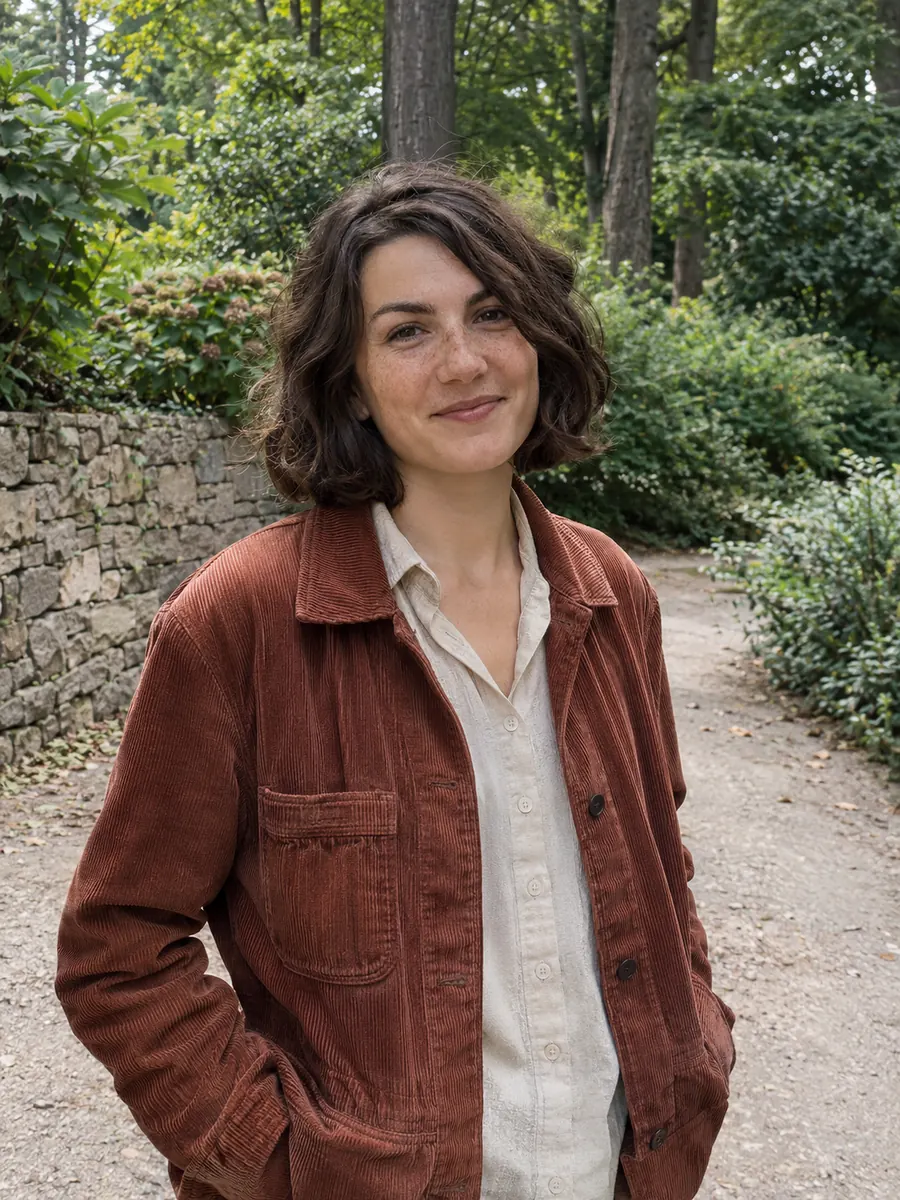
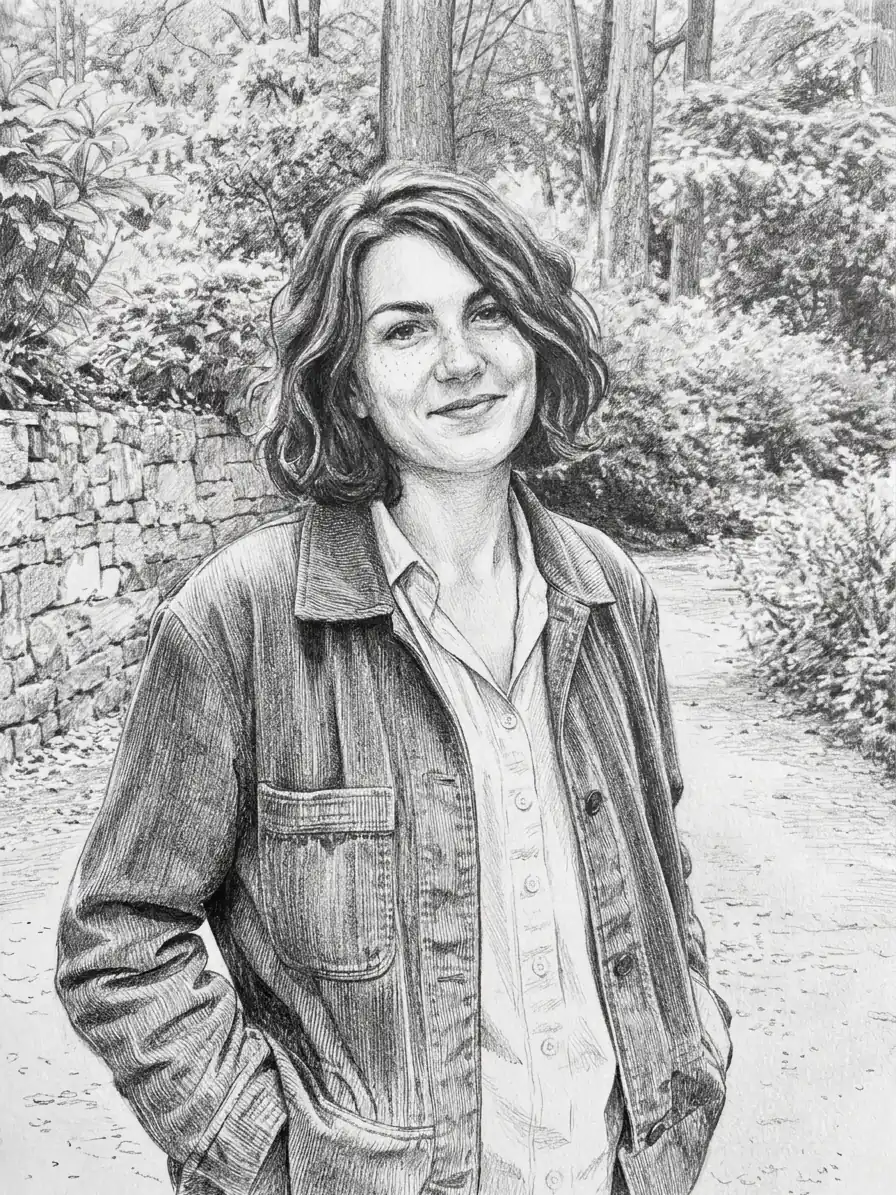
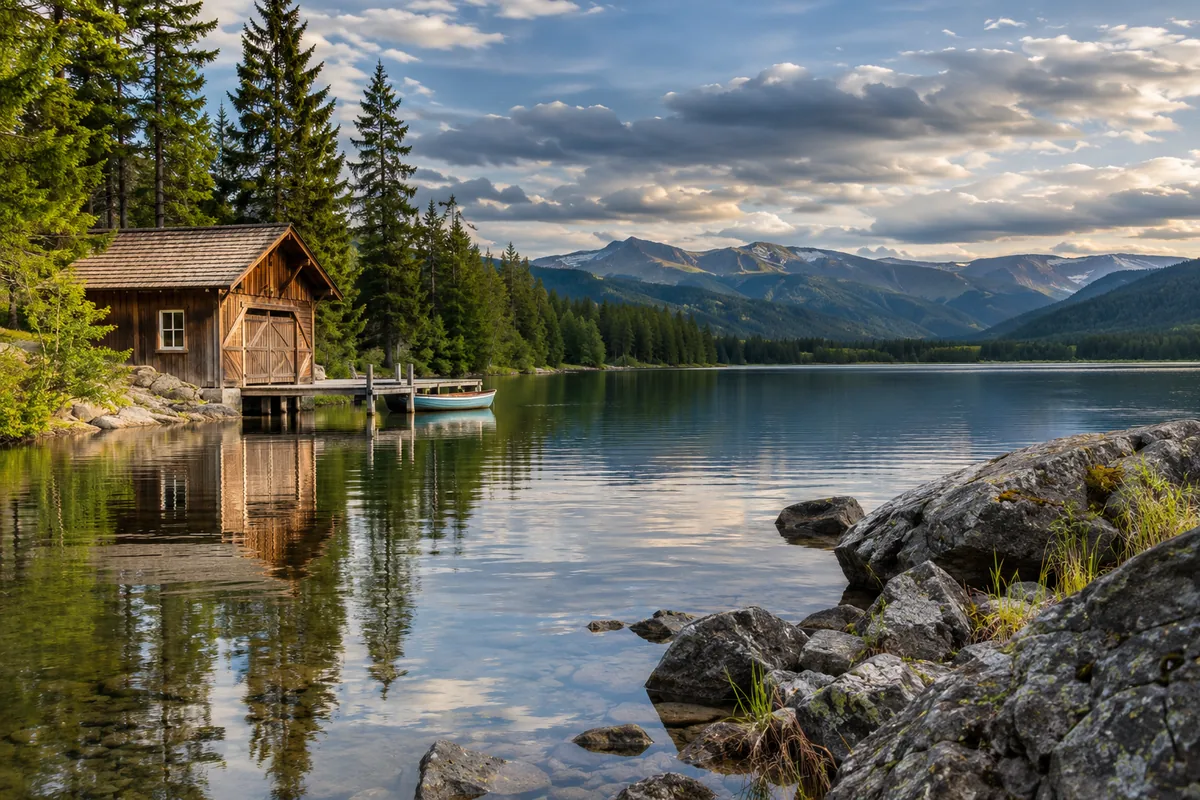
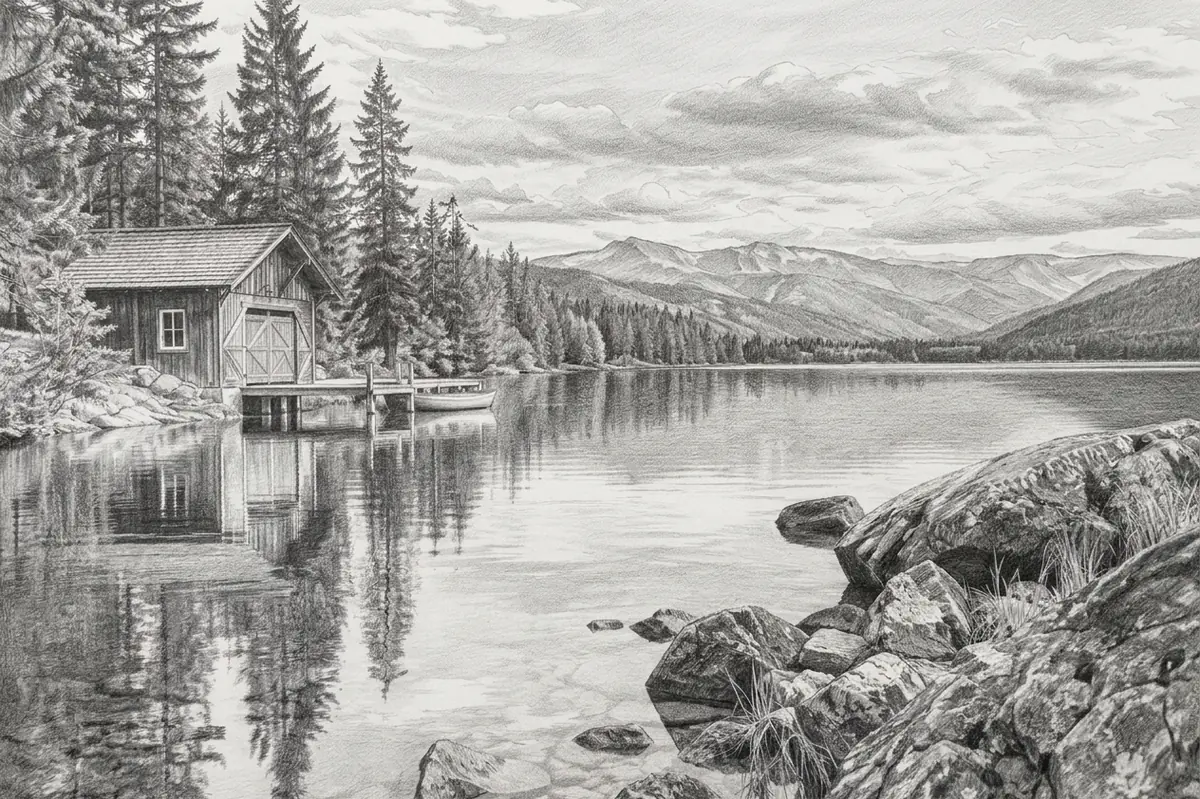
Match the preset to the contrast and color you want to keep.
Draw the Whole Scene
The AI sketch generator redraws the subject and surroundings in the same medium. Compare both parts of the result before downloading it.
Use Graphite for Soft Shading
Try Realistic Pencil when you want fine marks and a gradual transition from highlights to shadows.
Use Charcoal for Deep Shadows
Choose Charcoal for stronger contrast and broader marks, especially when light and dark shapes already stand apart.
Keep the Original Palette With Colored Pencil
Choose Colored Pencil for visible pencil strokes with colors drawn from your source photo.
How to Turn a Photo Into a Sketch
Portraits and pets
1
Upload a clear photo
Look for visible eyes, an uncluttered view of the subject and enough light to separate its features.
2
Choose a sketch style
Try graphite for delicate shading or charcoal for stronger dark and light areas.
3
Review and download
Check eyes, hair or fur markings in the result before downloading it.
Landscapes and still life
1
Start with a clear composition
Use a photo with a recognizable focal point and some separation between foreground and background.
2
Choose how to show depth
Use Realistic Pencil for tonal depth or Colored Pencil to keep major color differences.
3
Check the full scene
Look at horizon lines, reflections and the shapes of small objects before downloading your sketch.
Photo to Sketch FAQ
How do I turn a photo into a pencil sketch?
Upload a photo, keep Realistic Pencil selected or choose another preset, then generate and download the result.
Can I turn a picture into a drawing?
Yes. Realistic Pencil, Charcoal and Colored Pencil each turn the whole picture into a shaded drawing. For outlines with little shading, use Photo to Line Drawing.
Is this an image to sketch converter or a sketch filter?
It works as an image to sketch converter, but it is generative rather than a filter. The preset redraws the picture in pencil, charcoal or colored pencil instead of changing the existing pixels, so very small details can be simplified.
Can I turn a pet photo or landscape into a sketch?
Yes. Portraits, pets, landscapes and still life photos can all use the same presets.
Will the background turn into a sketch too?
The preset is designed to redraw the full frame. Fine foliage, distant objects and other background textures may be simplified.
Can a sketch keep the colors of my photo?
Choose Colored Pencil to keep the main color relationships. Choose Realistic Pencil or Charcoal for a grayscale result.
Can I choose the aspect ratio of my sketch?
Yes. Open Output settings and pick an output size that suits the photo, then check the crop in the generated result.
Can I turn a photo into a sketch online for free?
You can use complimentary credits if your balance covers the generation cost. The credit estimate next to the generate button shows the cost for your settings. Complimentary credits are not guaranteed, and generations are not unlimited, so open Pricing to compare plans.
Turn a Photo into a Sketch
Upload a picture and see it as a pencil, charcoal or colored pencil drawing.